
 SVGA
SVGA gift marketplace› Animated Gifts
SVGA Gifts for Live Streaming Apps
339 gifts · from $4 · SVGA
Bundles →Featured Animated Gifts
339 results
SVGA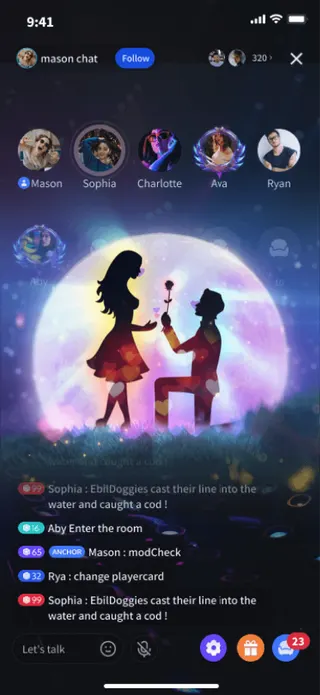 SVGA
 SVGA
 SVGA
 SVGA
 SVGA
 SVGA
 SVGA
 SVGA
 SVGA
 SVGA
 SVGA
 SVGA
 SVGA
 SVGA
 SVGA
 SVGA
 SVGA
 SVGA
 SVGA
 SVGA
 SVGA
 SVGA
 SVGA
 SVGA
 SVGA
 SVGA
 SVGA
 SVGA
 SVGA
 SVGA
 SVGA
 SVGA
 SVGA
 SVGA
 SVGA
 SVGA
 SVGA
 SVGA
 SVGA
 SVGA
 SVGA
 SVGA
 SVGA
 SVGA
 SVGA
 SVGA
 SVGA
About Animated Gifts
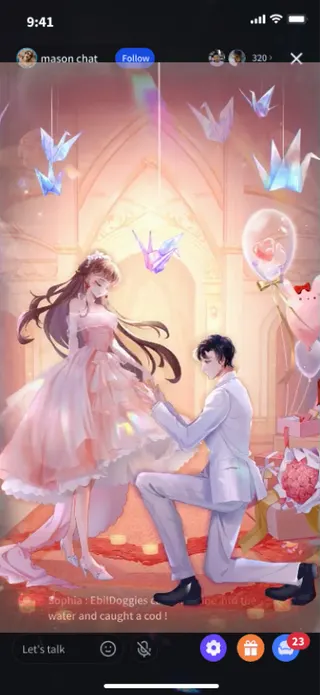
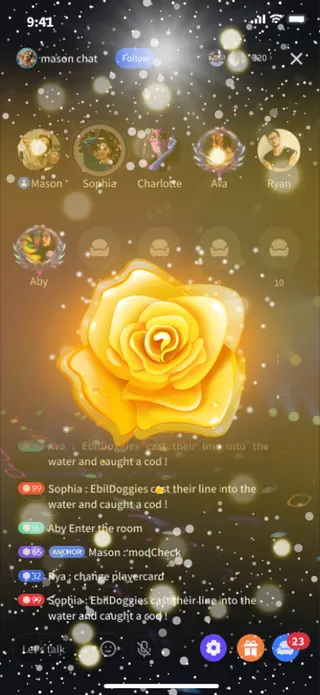
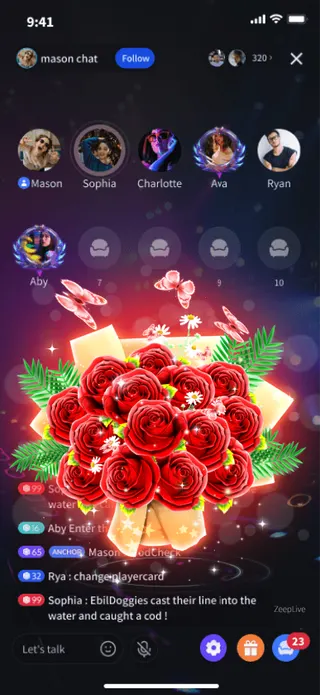
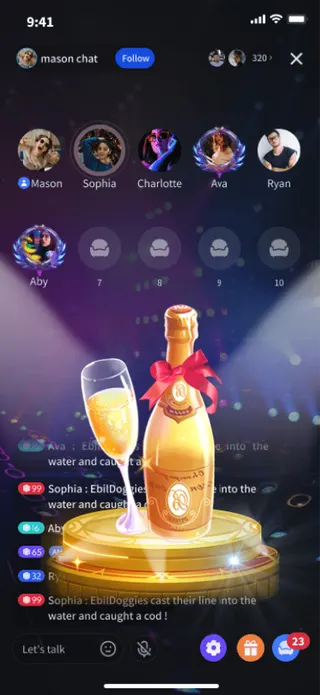
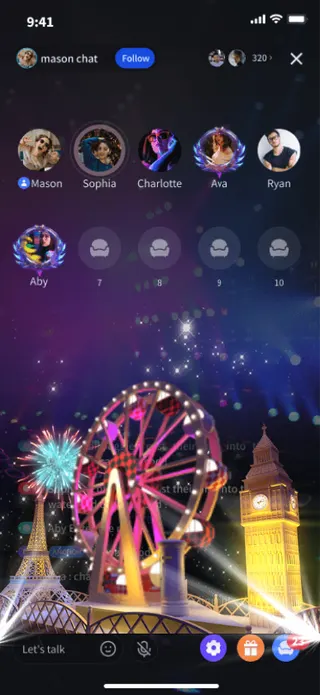
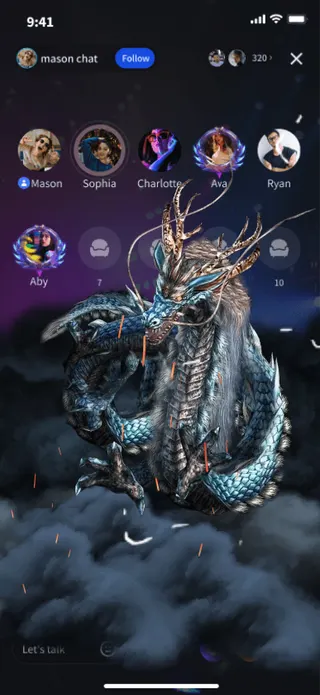
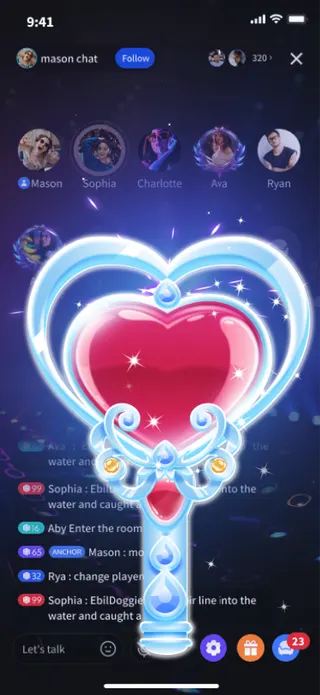
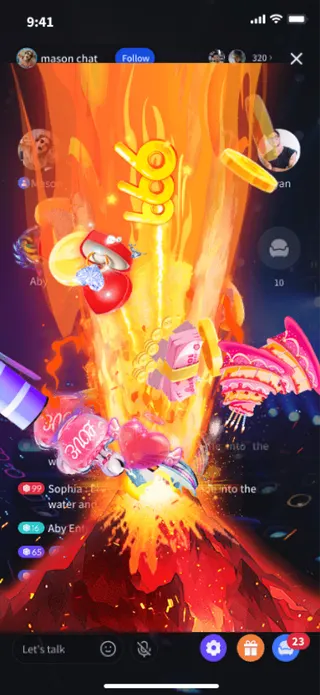
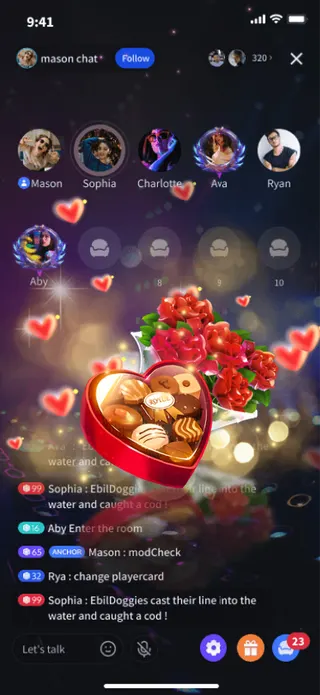
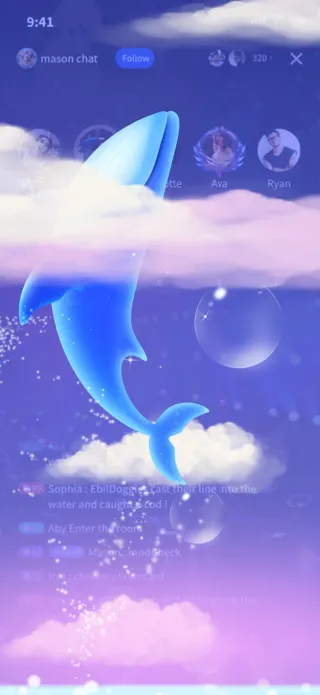
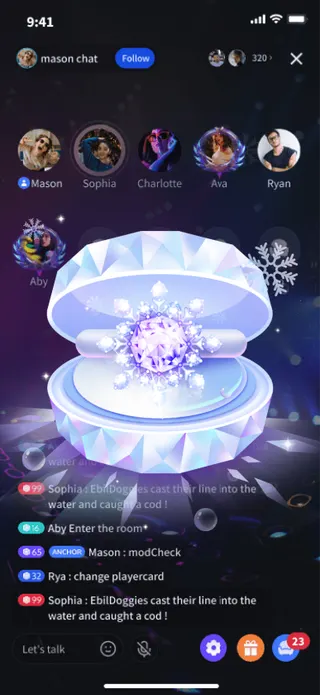
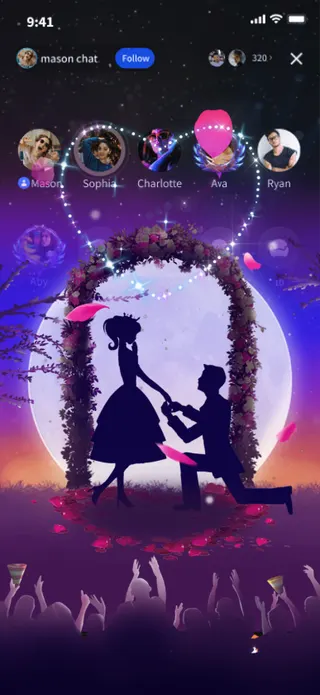
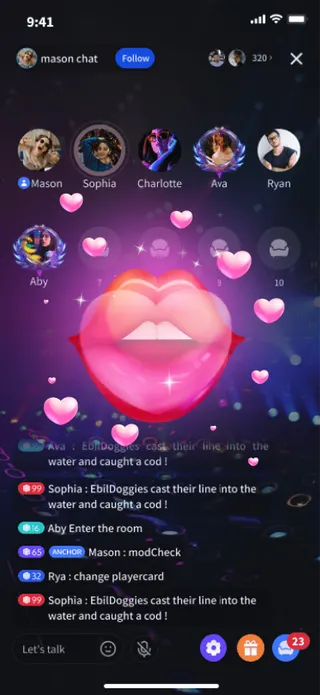
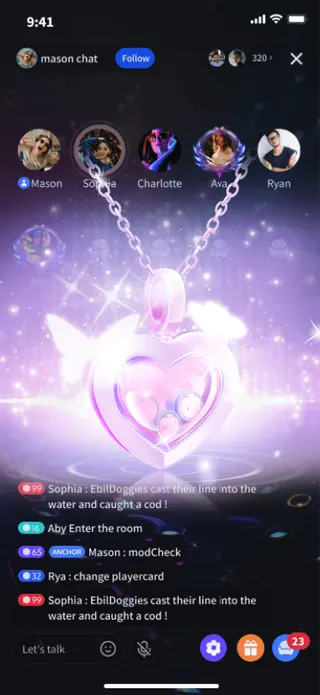
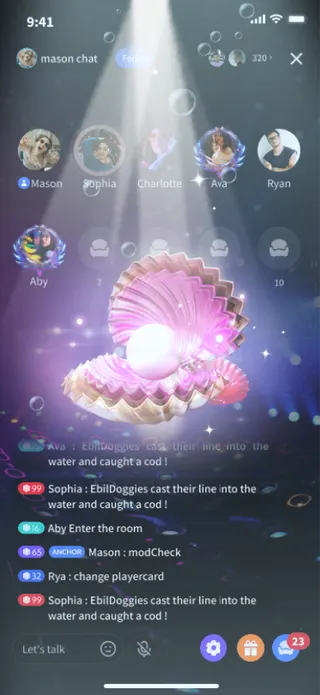
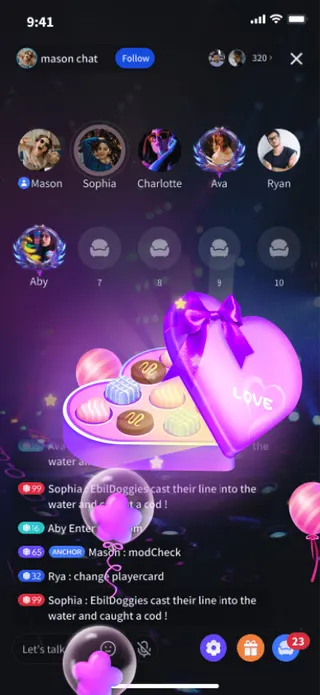
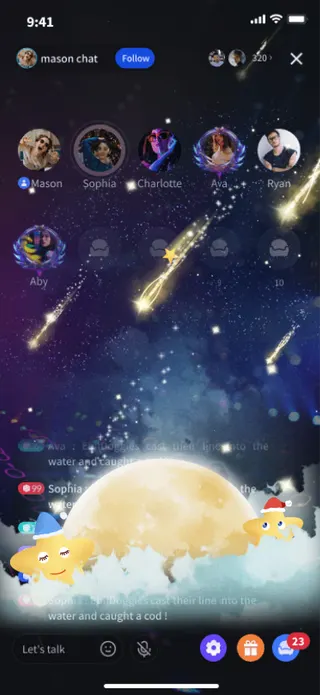
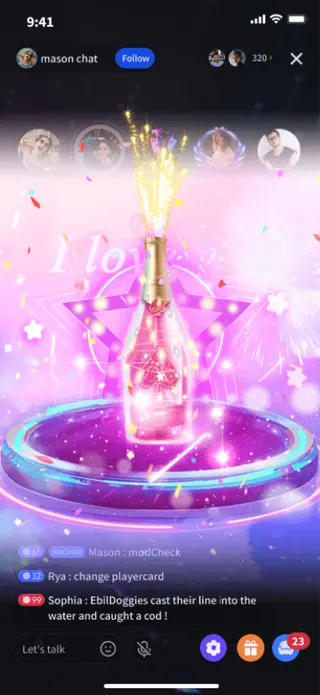
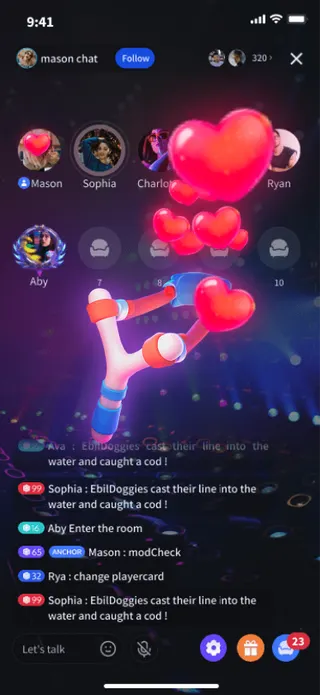
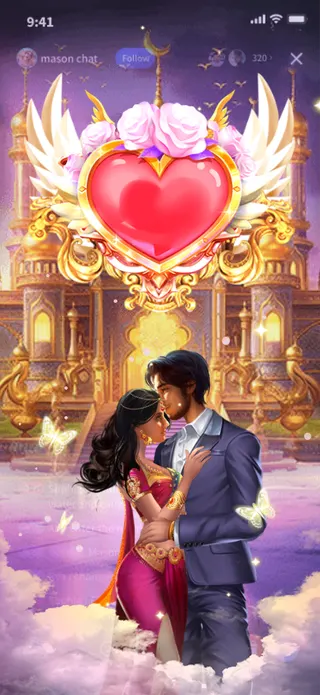
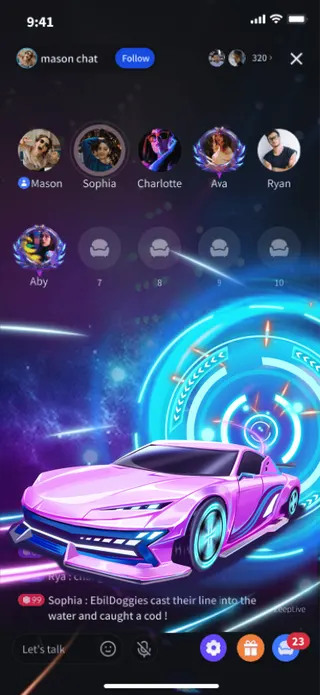
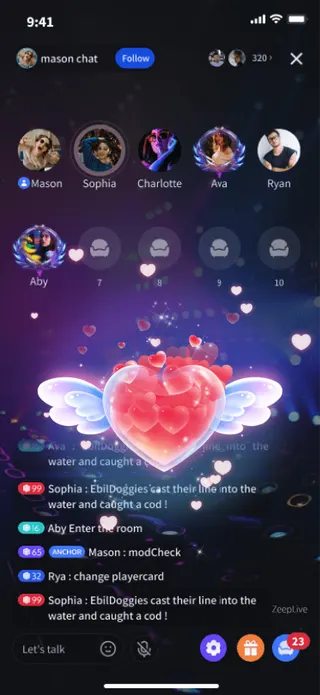
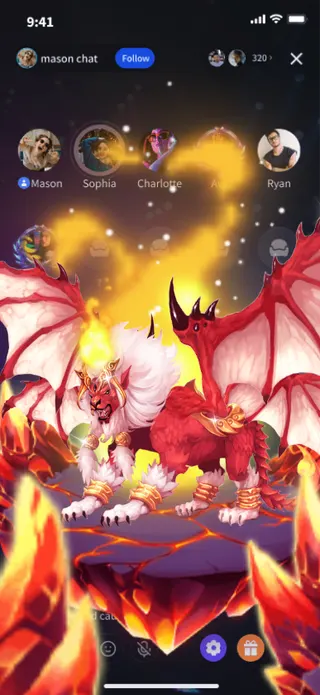
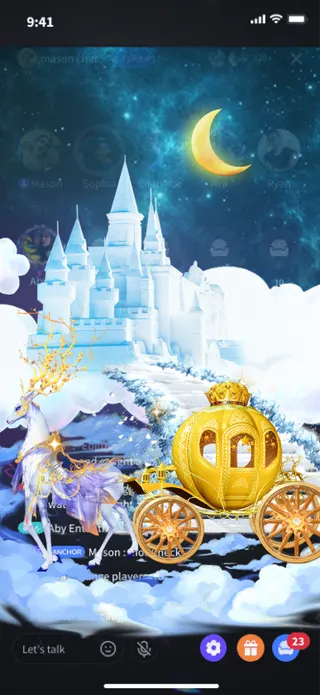
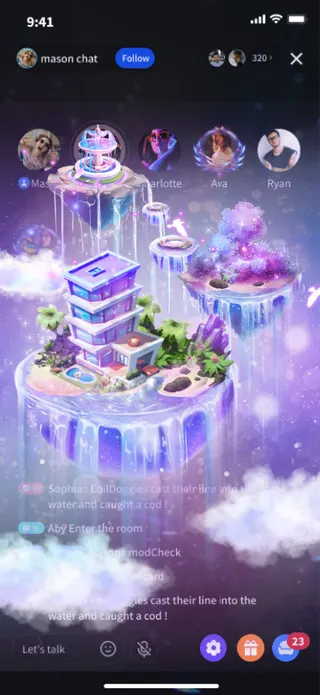
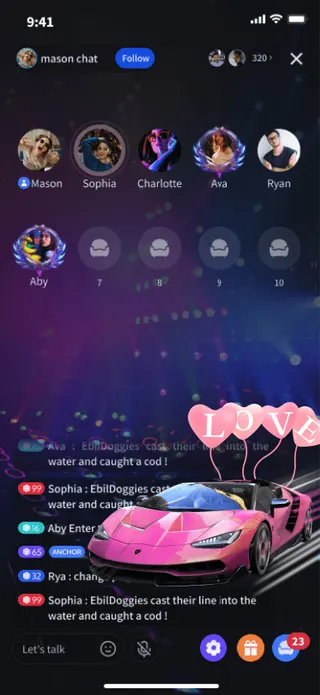
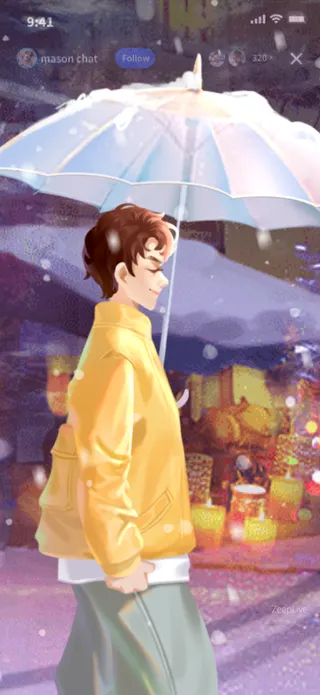
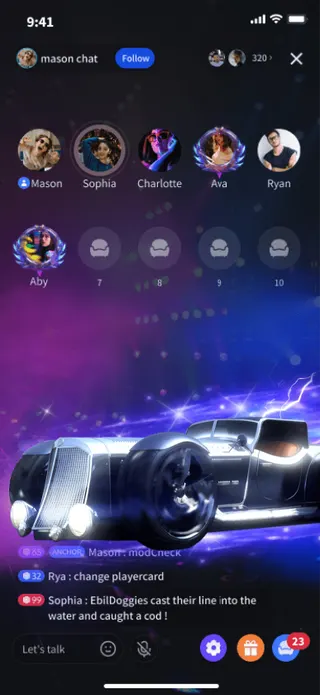
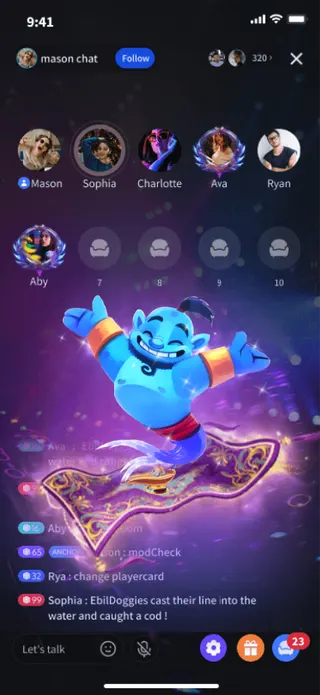
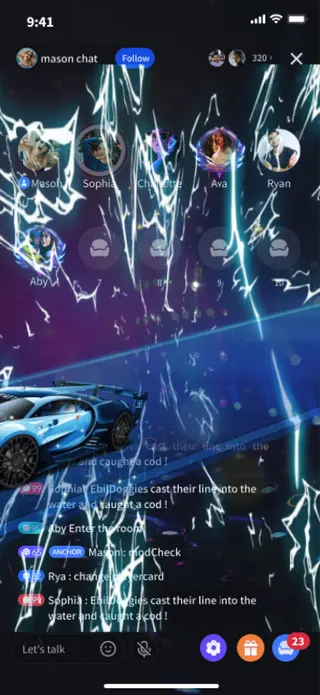
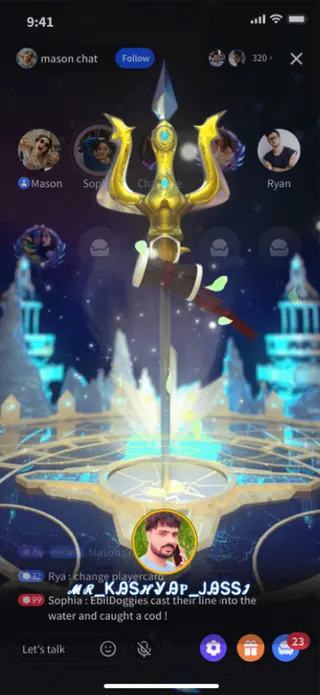
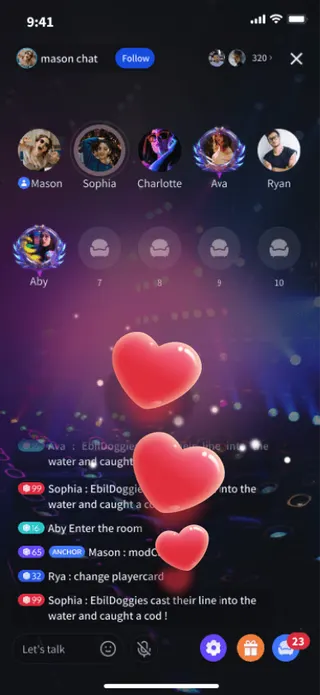
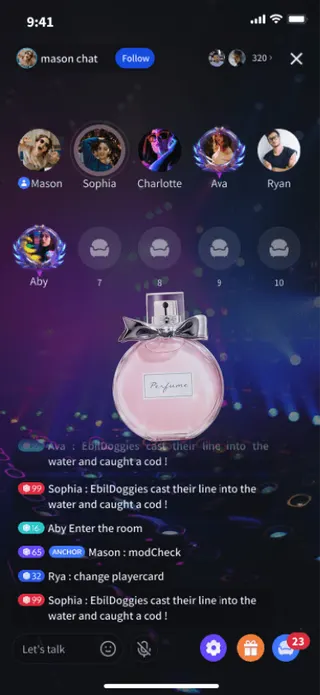
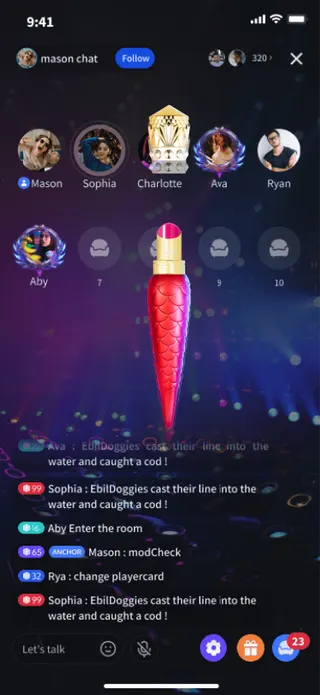
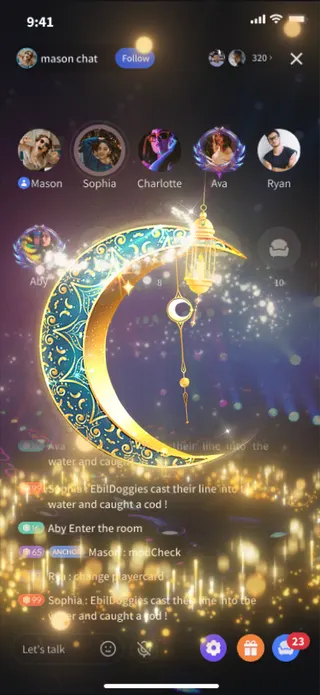
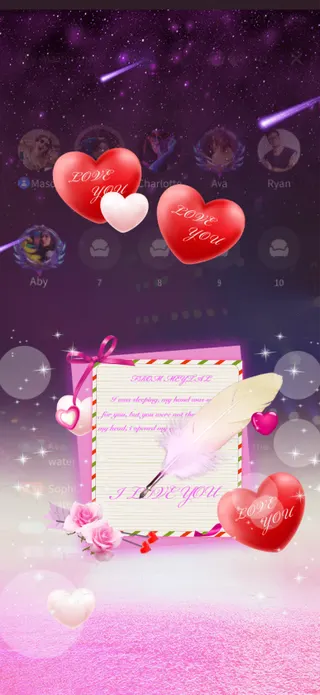
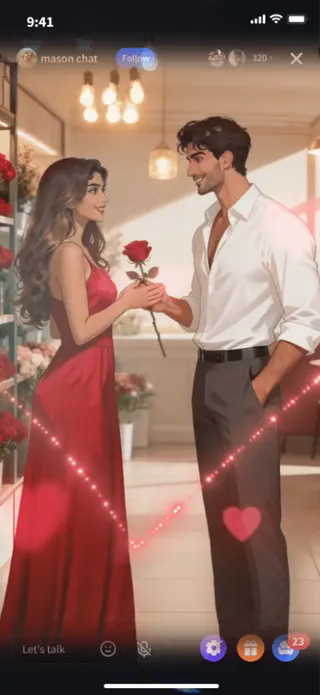
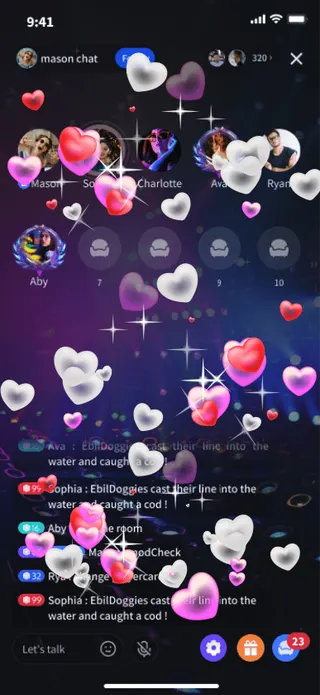
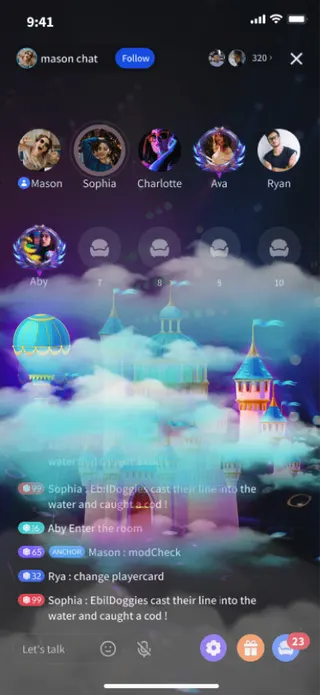
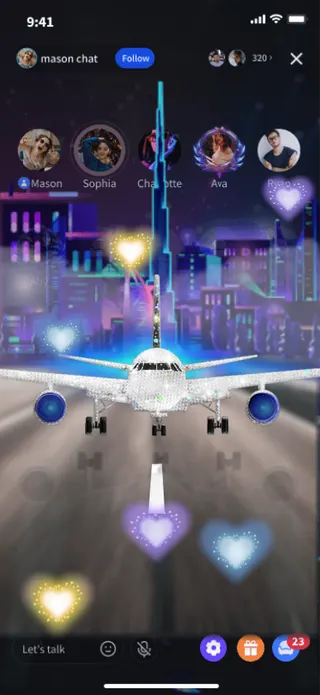
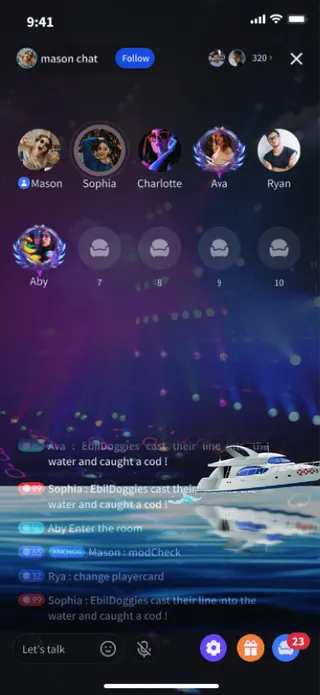
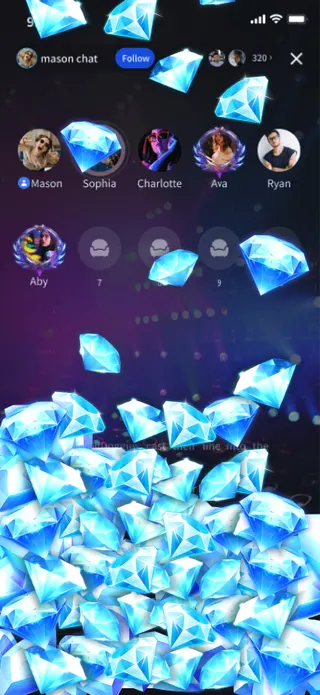
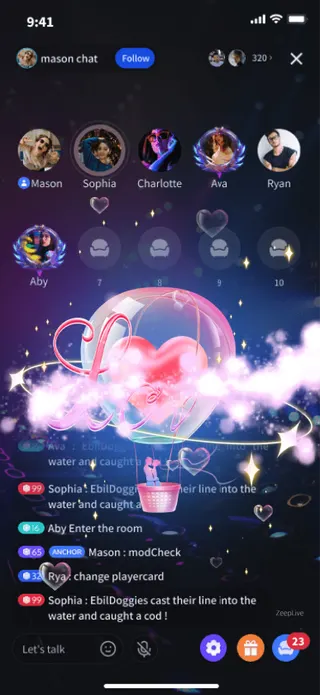
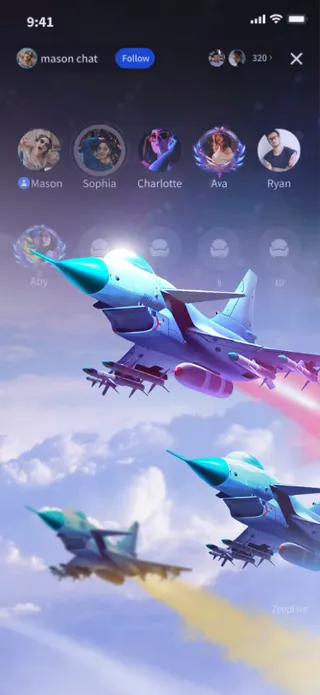
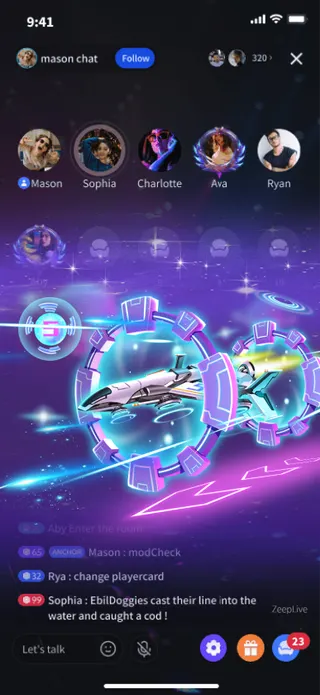
An SVGA gift is an animated virtual gift viewers send to a host during a live stream. Browse animated gifts for live-streaming and voice-chat apps, from hearts and roses to sports cars, dragons and festival animations. Preview each gift and check its file format and price before adding it to your cart.
About SVGA gifts & FAQ
Gift themes in this collection
The catalog covers the moments viewers celebrate most. Love and romance: Red Rose Bouquet, Golden Rose Gift, Glowing Heart Necklace. Vehicles: Red Sports Car Drift, Luxury Yacht Cruise, Pirate Ship Voyage. Fantasy: Fiery Red Dragon, Electric Blue Dragon, Knight Unicorn Sticker. Festivals and celebrations: Eid Mubarak Celebration, Christmas Santa Celebration, Halloween Ghost Gift, Golden Champagne Celebration. Royal and VIP: Royal Throne Gift, Golden VIP Crown.
How to choose an SVGA gift
Try SVGA gifts free before you choose: download free sample SVGA gifts or open your own .svga file in our SVGA Player, which plays SVGA 2.x files only.
- Match the moment. Pick themes your viewers celebrate: love and romance, vehicles, fantasy, festivals, or royal and VIP gifts for top supporters.
- Check the format on the card. SVGA gifts play with an SVGAPlayer library; WebP gifts play in any view that supports animated WebP. To compare formats, see SVGA vs Lottie and GIF or SVGA vs VAP.
- Check the file size. Each product page shows the file size and duration. Test larger gifts on the slowest phone your app supports.
- Check your player. Some SVGAPlayer libraries read SVGA 2.x files only, so preview each file in your own build before release.
- Preview before you buy. Every gift has a free preview on its product page, and refunds don't cover a change of mind after previewing.
- Think beyond gifts. Room entrances are in entry effects and profile decorations are in avatar frames. Entry effects and avatar frames explained shows how apps use them.
Planning a whole gift catalog for a new app? See virtual gifts for live-streaming apps, or go back to the SVGA gift marketplace home page.
Launching a new app? Explore the Livestream App Starter Package for gifts, avatar frames and entry effects in one bundle.
How to add SVGA gifts to your app
To add an SVGA gift, download the .svga file and play it with an SVGA player library when a viewer sends that gift. Open-source SVGAPlayer libraries for Android, iOS, Flutter and the web are listed in the SVGA docs at github.com/svga/docs. WebP gifts play in any view that supports animated WebP. Setup code for each platform is in our guide how to add SVGA gifts to your app. Test any SVGA file first in our free SVGA Player.
Licence and delivery
Each purchase gives you a non-exclusive, non-transferable licence to use the gift in your live streams, broadcasts or approved platform integrations. You may not resell or redistribute the files as standalone downloads. Delivery is digital: instant or near-instant after online payment, or usually within 1–2 business days for verified manual payments. See Terms and Refunds.
Want a ready-made set? See Packages: bundles of gifts, frames and entry effects at a discount.
Frequently asked questions
- What is an SVGA gift animation?
- An SVGA gift animation is a virtual gift that plays on screen when a viewer sends it to a host in a live-streaming or voice-chat app. The .svga file holds the gift's images, vector shapes and timing in one file, and SVGAPlayer libraries play it on Android, iOS, Flutter and the web.
- Are these gifts compatible with Bigo, Poppo or MLive?
- Yes, the gifts are designed for Bigo Live, Poppo Live, MLive and similar live-streaming apps. We are not affiliated with those apps and can't guarantee every app version or platform policy, so preview each gift first. You can also test free sample SVGA gifts in our SVGA Player.
- What file formats are these SVGA gifts?
- Most gifts here are SVGA files, and some are WebP; each card and product page shows the format, file size and duration. SVGA gifts play with open-source SVGAPlayer libraries for Android, iOS, Flutter and the web, and WebP gifts play in any view that supports animated WebP.
- Can I try SVGA gifts for free?
- Yes. Every gift has a free preview on its product page, and our free SVGA Player has free sample SVGA gifts to download and test in your own app. You can also open your own .svga files there: your file plays locally in your browser and is never uploaded to our servers. The player plays SVGA 2.x files only.
- How do I download SVGA gifts after buying?
- After online payment (Razorpay, UPI or crypto), download access is enabled on your account instantly or within a few minutes. Manual payments are delivered after we verify your proof of payment, usually within 1–2 business days. Download your files from your account's purchases area and keep your own backup copies.
- Can I use these gifts commercially in my own app?
- Yes, within the licence. Each purchase lets you use the gift in your live streams, broadcasts or approved platform integrations and modify it for streaming use as your platform allows. You may not resell, redistribute, sublicense or publicly share the files as standalone downloads.
- How much does an SVGA gift cost?
- Each gift's price is shown in USD on its card and product page, and each gift is priced per asset as a one-time purchase; see each card for the price. Checkout shows the payable total in the currency of your payment method; GST may apply to eligible Indian checkouts. Packages bundle several gifts at a discount.
- Do you make custom SVGA gifts or convert gifts to MP4?
- Yes. SVGa Marketplace offers custom work and MP4 conversion as separate services; the gifts in this collection are sold as SVGA or WebP files. To ask about either service, contact us by email at svgagifts@gmail.com or on WhatsApp.